Build the apps that run your week.
For your crew, your family, or just you. Your AI builds them, and everyone opens them on a phone.
Imagine it
Start with something you wish existed, at work or at home. A sentence or two is plenty.
“A shared map of our favorite places.”
Build it
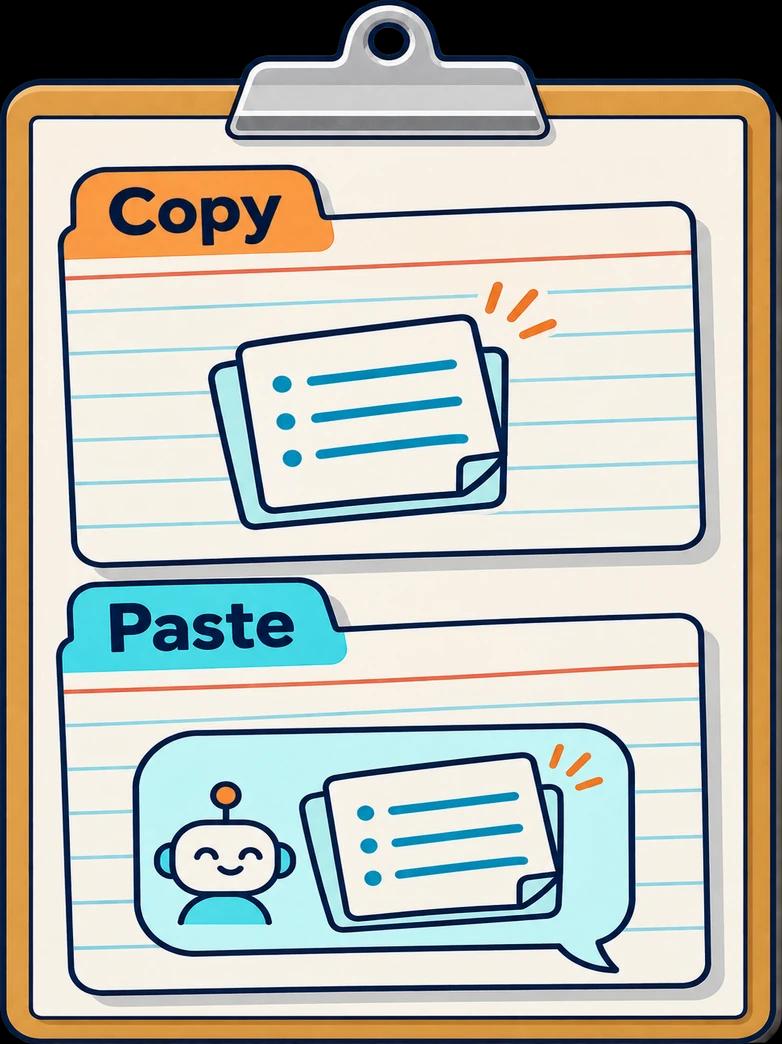
Paste a short note into your AI’s chat and add your idea. Use the best model you have. It does the building.
Make it yours
The first version goes live for you alone. Try it on your phone and ask for changes in plain words.
Share it
Your app has its own link. Invite your people. They don’t need an AI account.
What runs your week?
At work
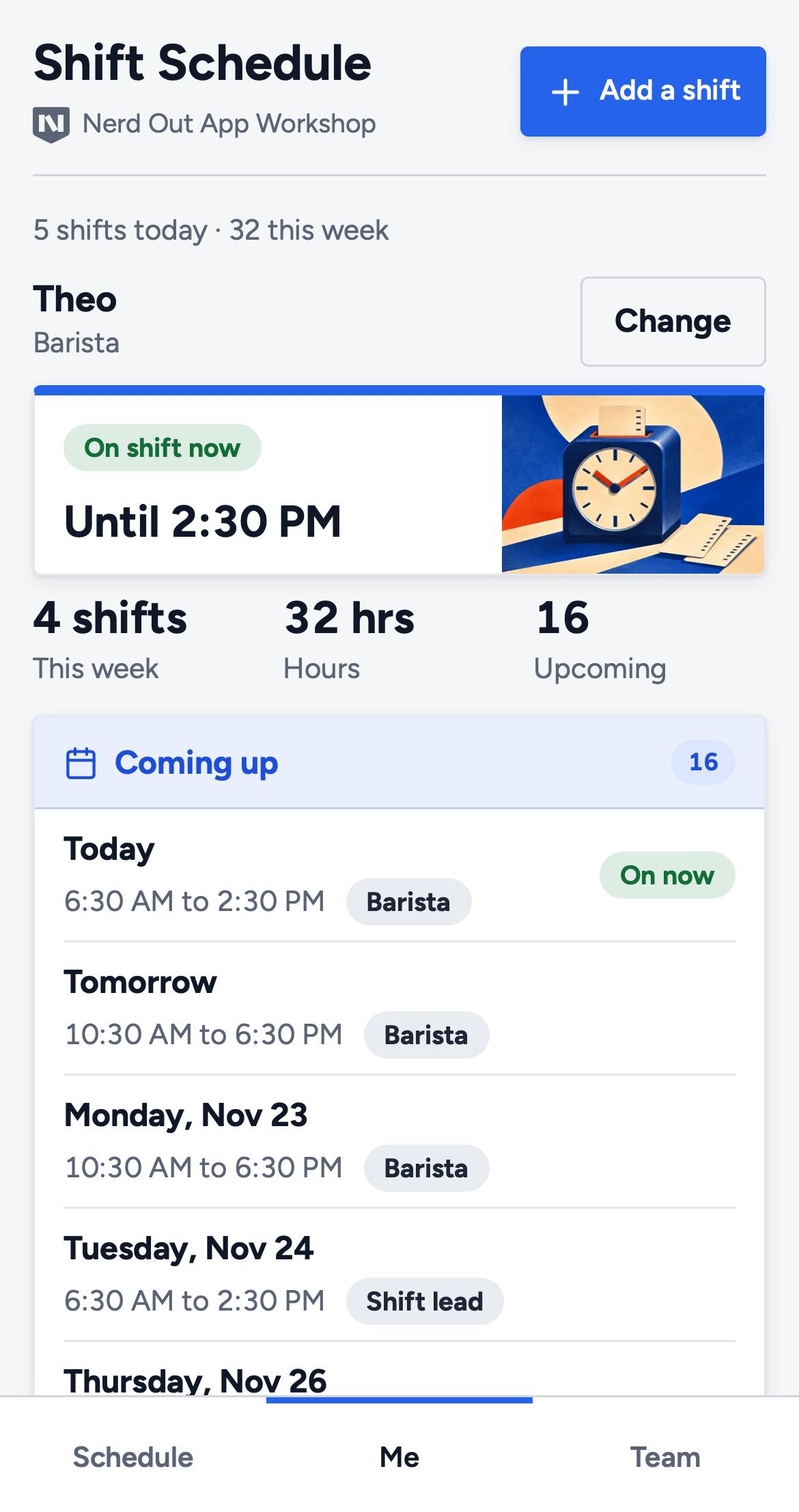
“A way to check my shifts without texting my boss.”Try the example
“Meeting notes that remind us what we said we’d do.”Try the example


At home
“A home checklist that remembers when I changed the filter.”Try the example
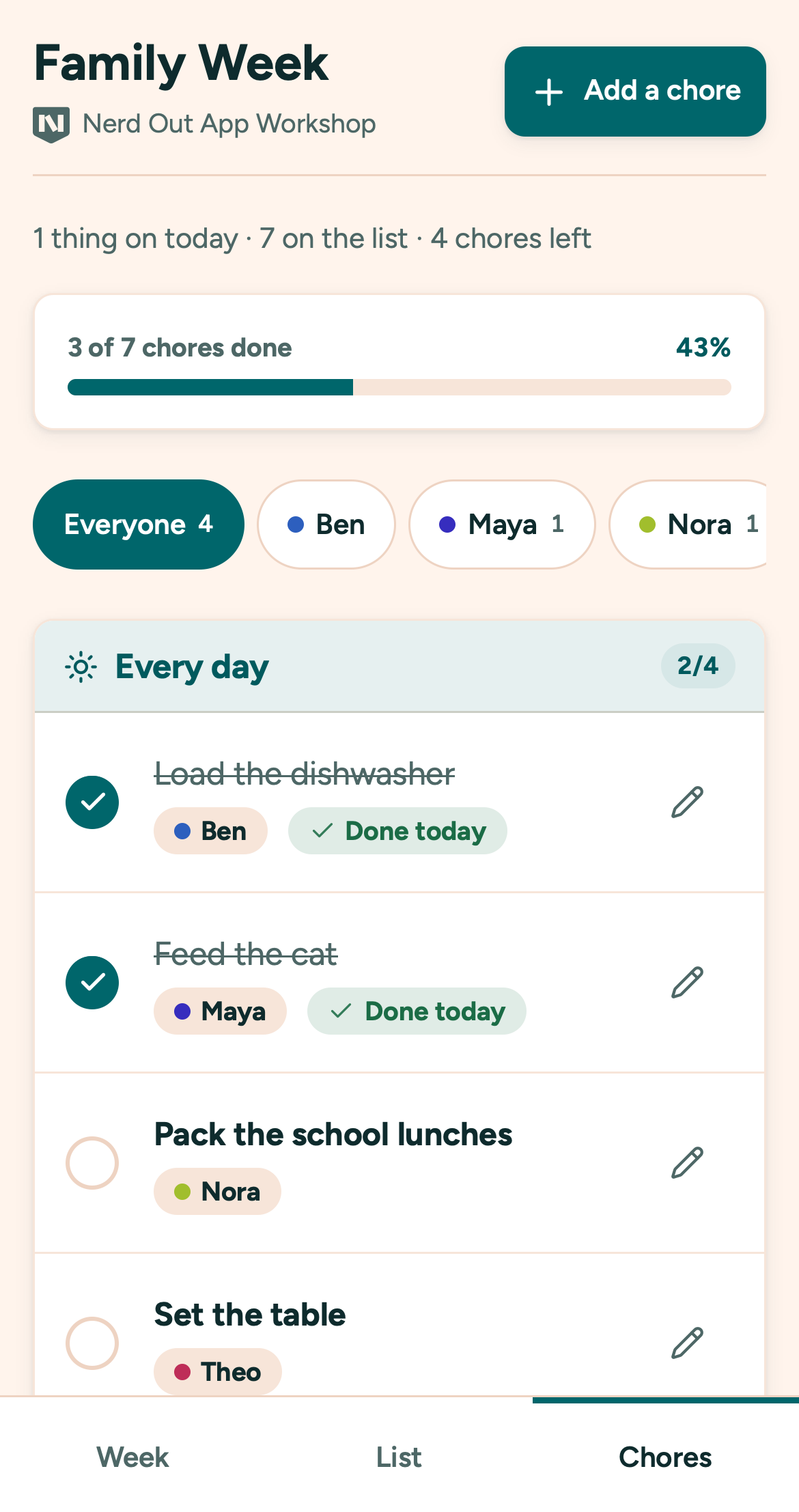
“One family calendar for soccer practice, chores, and Grandma’s visit.”Try the example


With friends
“A potluck sign-up so we don’t all bring chips.”Try the example
“One plan for our trip, right down to who’s packing the tent.”Try the example


Each one is a real app you can open and try.
Create appEvery one of them
is a phone app.
Your AI builds for a phone screen first, with tabs and sheets that feel like an app.
- Its own icon
- Add it to a Home Screen and it opens like any other app. No app store.
- Read it without a signal
- The last version you saw still opens in the field, the basement, or the barn.
- Reminders that reach you
- By email, or as a notification on the phone.
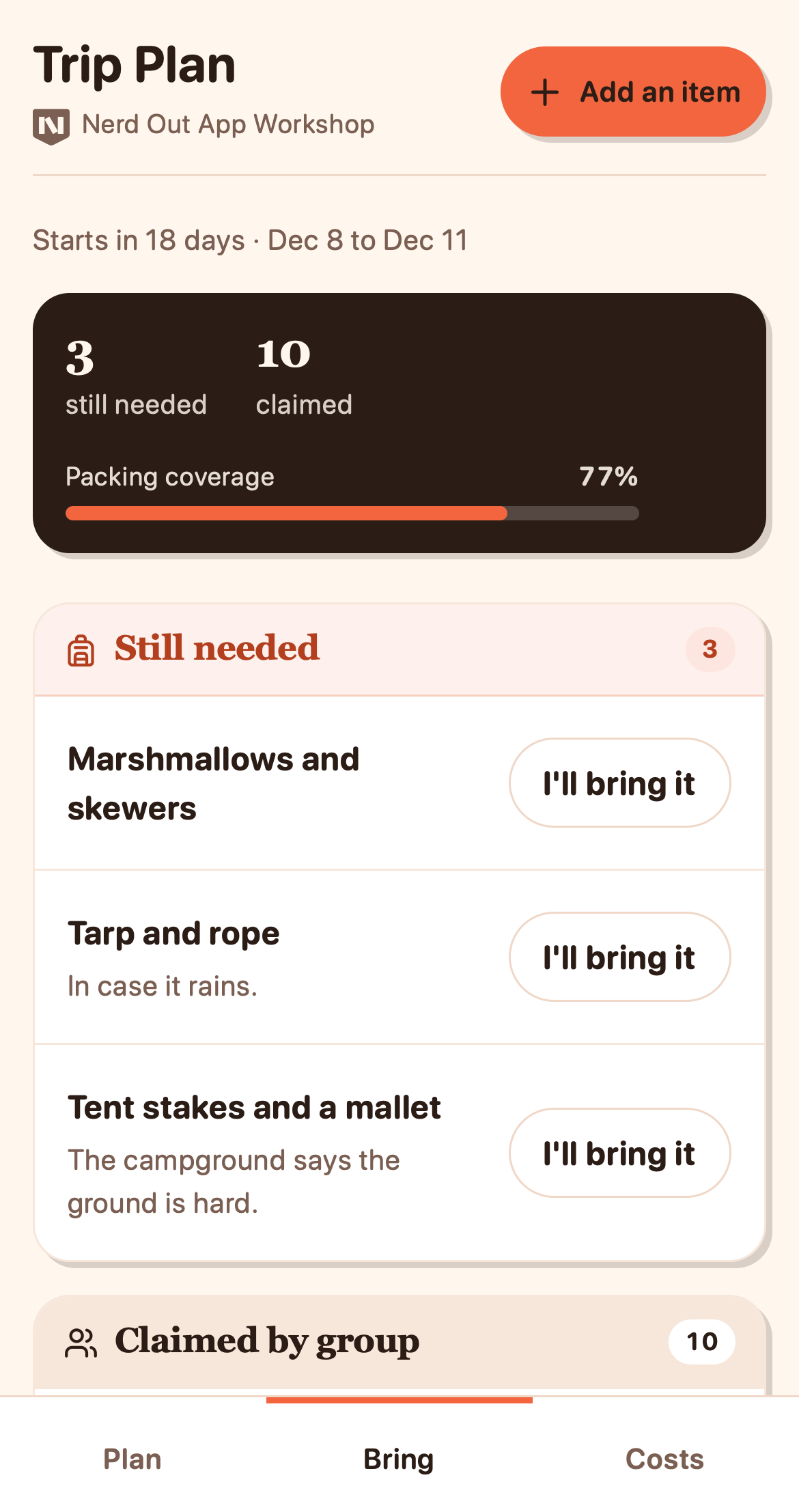
Your AI builds the app.
The Workshop runs it.
- A web address
- Your app gets its own link as soon as the first version is finished.
- Sign-in for everyone
- People sign in with their email. No passwords to look after, and no AI account.
- Saved data
- What people enter is stored for you, with no database to set up.
- You approve every change
- The first version goes live for you alone. After that, nobody sees a change until you publish it.
Build with the best AI you have.
Most AI app builders choose the model for you. Here the choice stays yours.
 Claude
 ChatGPT
 Grok
 Antigravity
- You pick the model
- Your own AI does the building, so you use the best model you have.
- No model of ours
- The Workshop runs none, so it never swaps yours for another.
- Change AIs any time
- Connect a different AI later. Your app and its data stay here.
Build your idea and
get it to your people.
Shared data
Everyone works from the same data, and changes show up for the others right away.
Invitations
Invite people by email or with a link. Keep the app private or make it public.
Files, comments, and reminders
Attach photos and files, leave comments, and send reminders by email or to a phone.
Installable apps
Add it to your phone’s home screen and it opens like any other app.
Data download
Download your data whenever you want.
Project export
Export the whole app as code and run it somewhere else.
Questions before you start
- Do I need to know how to code?
- No. You describe what you want in plain words and your AI does the building.
- Can I build something just for me or my family?
- Yes. Keep an app to yourself, or invite the people you want. It does not have to be for work.
- Do the people I share with need an AI account?
- No. Only the person building needs an AI. Everyone else signs in with their email.
- Does it work on a phone?
- Yes, every app. Add it to your Home Screen, read it without a signal, and get reminders as notifications.
- Which AI model builds my app?
- Whichever one you choose in your own AI. The Workshop runs no model of its own, so it never picks one for you.
- Which AI do I need, and will mine work?
- Claude, Claude Code, Codex, Grok and Gemini in Google Antigravity can all build here, and so can ChatGPT on plans that let you add a custom connector. Paste your app’s setup prompt into a coding agent, or connect a chat app once. An AI that can do neither can still help you plan your idea.
- Can I build from a chat app on my phone?
- Yes, if your chat app lets you add a custom connector. Add nerdout.com/mcp once and sign in to allow it. Then ask for an app in plain words, wherever you are. Not every chat app can connect yet.
- What does it cost?
- Signing up and building your first app is free.
- Who can see my app?
- Only you, to begin with. Your first version goes live at a private address, and then you choose: private to the people you invite, or public to anyone with the link.
- Can I take my app somewhere else?
- Yes. You can download your data, and you can export the whole app as code.
Getting started is free.
AI in Your
Business
Four weeks. Four working
AI systems.
Live guidance from Nick Horob
and Jaryd Krishnan.
Curriculum
- Business context and AI policy
- A team assistant
- Analysis and dashboards
- An agent or internal tool